
Ruined by One Scream: What Auto Gain, Clip Safe and 32-Bit Float Can Really Rescue
Every voice actor has lost a good take to one loud word. Interface makers now sell three cures: buttons that set your level, circuits that duck when you shout, and 32-bit float recording that promises you can’t clip at all. Here’s what each one does, where its own maker says it stops working, and how to tell whether you need it.
The script says “whispered, then screamed”. You set your level on the whisper, because that’s what’s first. You get to the scream, the meter goes red, and the best performance of the day has a crackle through the middle of it.
That crackle is clipping. Focusrite describes it in the user guide for its Scarlett 2i2: it happens “when your gain is set too high for the sound being recorded and your input overloads the preamp”, and it “can ruin a recording.” Nothing in the edit brings back the part of the wave that was cut off.
The ceiling doesn’t move, you do
In an ordinary 24-bit recording there’s a fixed top, called 0 dBFS. The old cure costs nothing: turn down until your loudest moments sit well below it. Jim Edgar, a voice actor and audio consultant who teaches at Voice One in San Francisco, advises setting the gain “so that the peaks end up in roughly in the -12 dB range” when you record in 24 bit, and says “a touch under that wouldn’t be a problem”.
In a second piece he widens it to “between -6 and -12 dB as a good target on the input”, and points out why voice actors get this wrong: that number is the peak, “a momentary value for the loudest single cycle of the audio wave form”, and not how loud the read feels.
Recording low isn’t the sin it was on tape. Sound Devices, which makes recorders for film sets, puts the theoretical range of a 24-bit file at 144.5 dB. Real preamps manage less (Focusrite lists 116 dB for the 2i2’s mic inputs), but either figure leaves a lot of room underneath a careful peak.
Cure one: a button that sets it for you
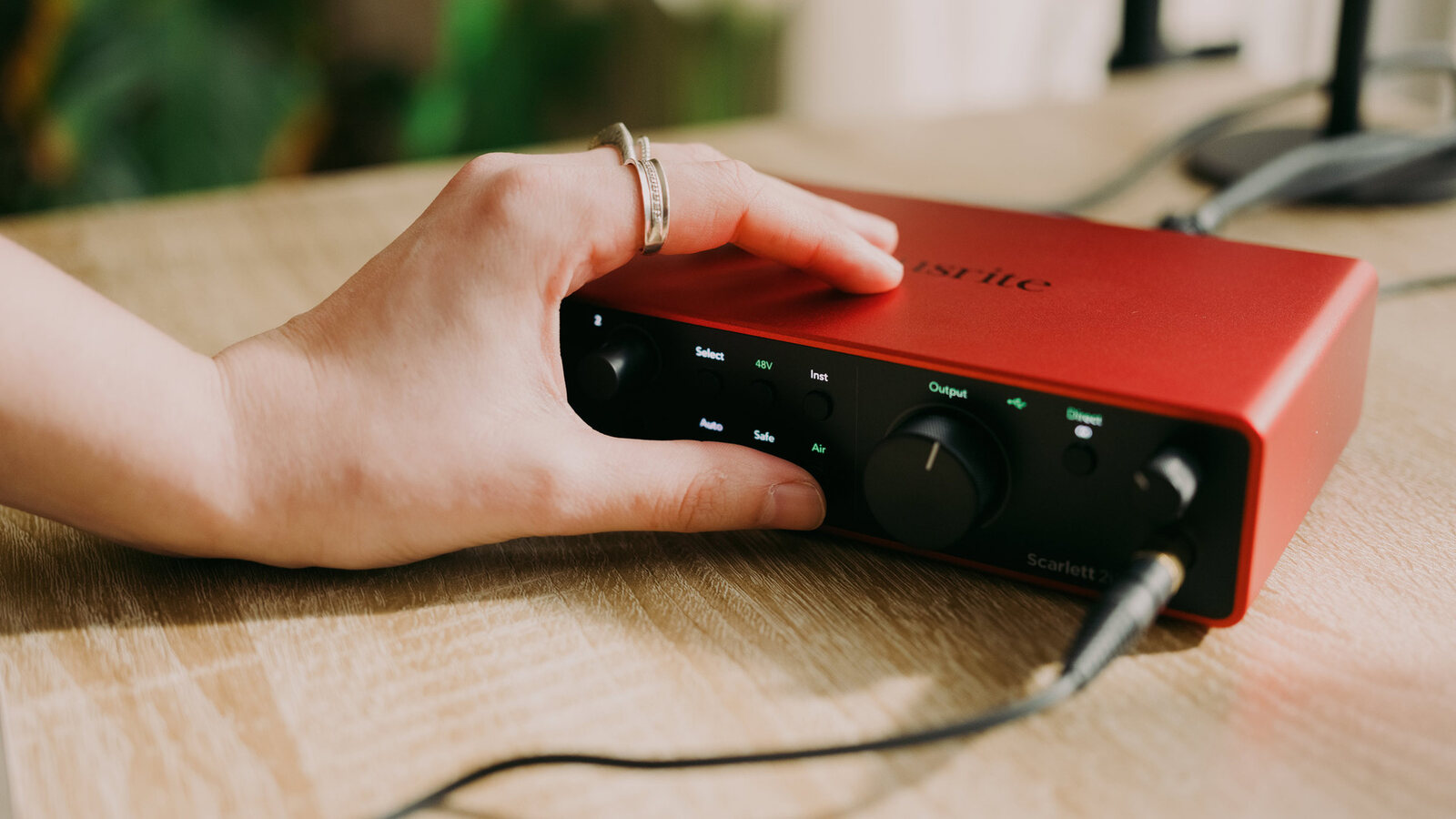
Audient’s EVO 4 has a green button called Smartgain. Press it, perform, and the company says it will “analyse, adjust and set your gain to the perfect levels” in “less than 20 seconds”. Focusrite’s version is Auto Gain, and it listens for ten seconds.
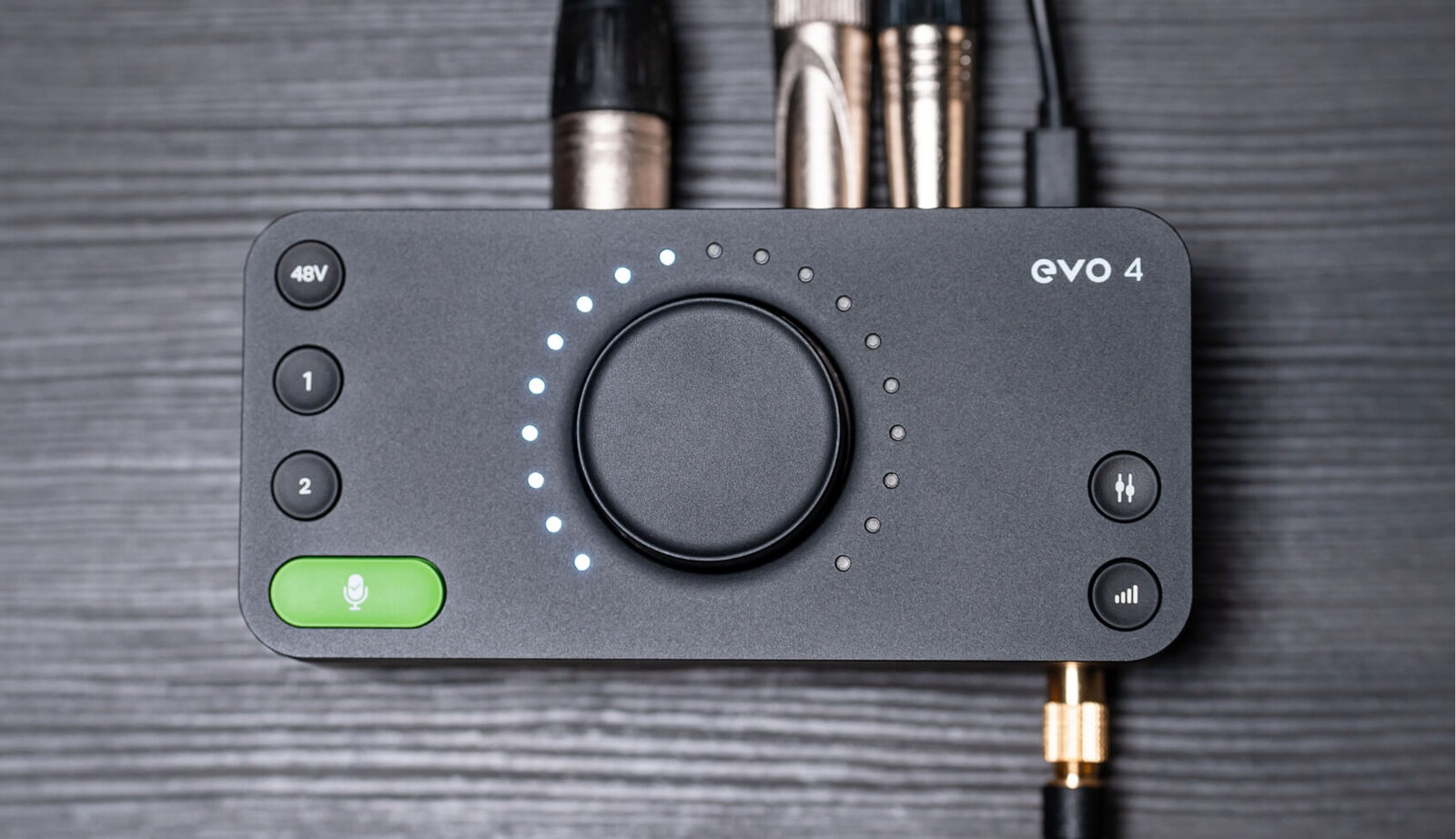
Audient's EVO 4, with the green Smartgain button. Image: Audient
The detail that matters to a voice actor is buried in Focusrite’s guide. “By default, Auto Gain aims to set your signal level to -18dB”, it says, and you can change the target to -12 dB or -6 dB in the Focusrite Control 2 software.
Both systems share one weakness: they only know what you showed them. Focusrite’s instruction is to “perform as you would while you’re recording”. If your ten seconds are the polite opening line, the button sets a level for polite. Give it the loudest line in the script.
Sound On Sound’s Sam Inglis found the two do the same job equally well, writing that “there’s very little to choose between them from the user’s point of view”. The same review has a warning for budget shoppers. The cheapest Scarlett, the Solo, “misses out on the new preamp design, Auto Gain and Clip Safe.” The family name on the box doesn’t guarantee the feature.
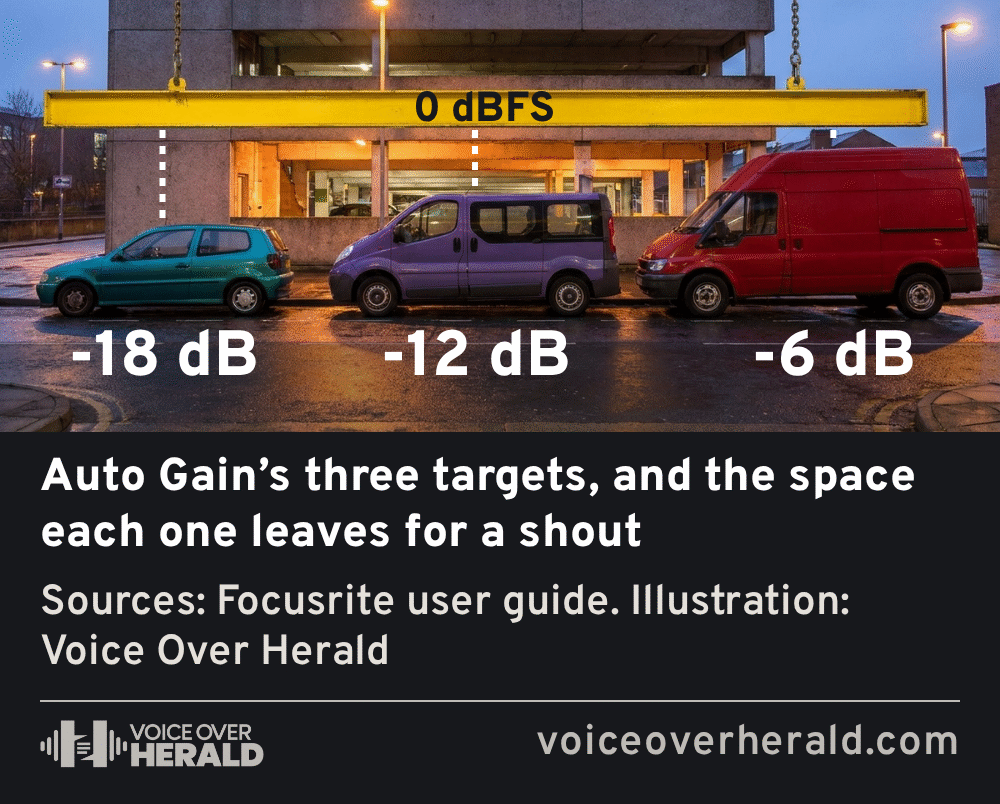
Cure two: a preamp that ducks
Auto Gain sets a level and walks away. Focusrite’s Clip Safe stays on watch, and the guide says that “if your input gets near to clipping, Clip Safe reduces the preamp gain, so you won’t have to re-record your take.” It checks “up to 96,000 times a second”, and it switches off above 96 kHz, a sample rate few voice jobs ask for.
Hear it: Focusrite on Auto Gain and Clip Safe, 42 seconds. Video: Focusrite, on YouTube
Production Expert tested it by hitting a piano harder than the level was set for, and concluded that Clip Safe “doesn’t over or under-correct”. Inglis called it “a simple idea” and “much more effective than soft limiters and other such processes”.
There’s a catch that Focusrite’s wording hints at. It “significantly reduces the risk of clipping”, which isn’t the same as removing it. And because it works by moving the gain, it’s worth listening back across a rescued take. If the level of your breath or your room changes after the shout, an editor matching pickups may hear it.
Cure three: no ceiling at all
The boldest promise is 32-bit float. A file in this format stores numbers so large that 0 dBFS stops being the top. Sound Devices calculates the file has “770 dB more headroom” than a 24-bit one, and says that “exact setting of the trim and fader gain while recording is no longer a worry, from a fidelity standpoint.” A take that looks smashed flat can be turned down afterwards and come back whole.
Two products bring that to a home booth. Zoom’s UAC-232, which the company calls “the first dedicated 32-bit float audio interface”, has no input gain knobs on the front. Zoom pitches it by name at our trade: “For podcasters and voiceover artists, 32-bit float ensures full quality audio for the entire dynamic range of a performance.”
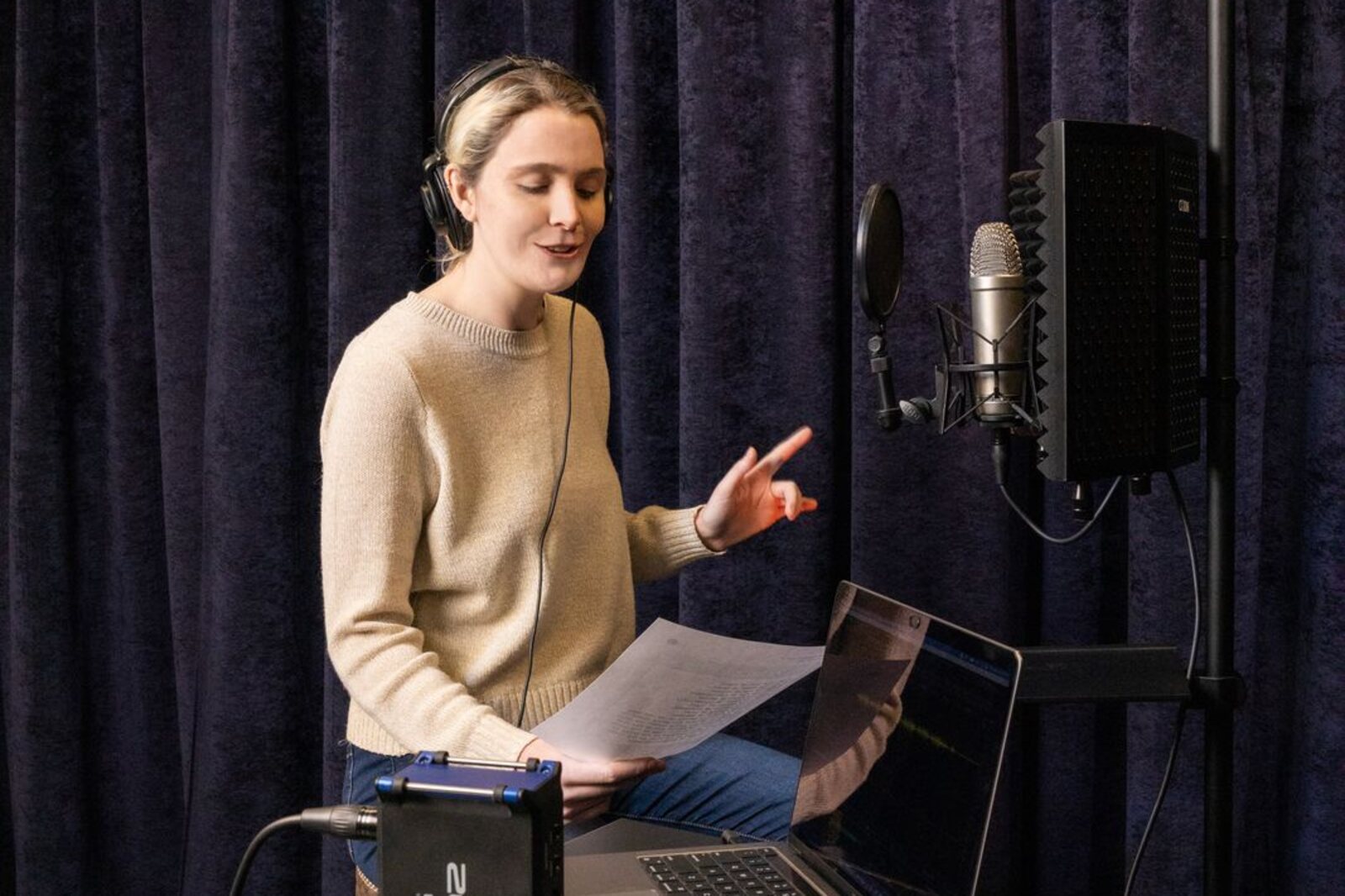
A voiceover artist recording with the UAC-232. Image: Zoom
RØDE’s NT1 5th Generation puts the same idea inside a microphone. RØDE calls it “unclippable” and says it can record “everything from a whisper to a scream”. Read on, though, and there’s a condition. RØDE’s help pages say the 32-bit float output is for “the digital USB output only”, and the XLR output “does not support 32-bit float recording.” Plug that mic into your existing interface and you have a fine, perfectly clippable condenser.
What unclippable doesn’t cover
The format protects the file. It can’t protect what comes before the file. Reviewing the Zoom, Inglis put it plainly: “If you try to feed the interface a signal that’s too hot, you’ll still get clipping in the analogue domain and there won’t be anything you can do about it.” Zoom lists a maximum of +6 dBu for the UAC-232’s mic inputs. Focusrite lists 16 dBu for the 2i2’s.
Does that gap matter to a voice? We did the sum. A hot studio condenser such as Neumann’s TLM 103 puts out 23 millivolts at 94 dB SPL. It would take roughly 131 dB SPL at the capsule to reach +6 dBu. That’s a brutally loud sound, so for most narration the limit is academic. For a full battle scream a couple of inches from the mic, back off anyway.
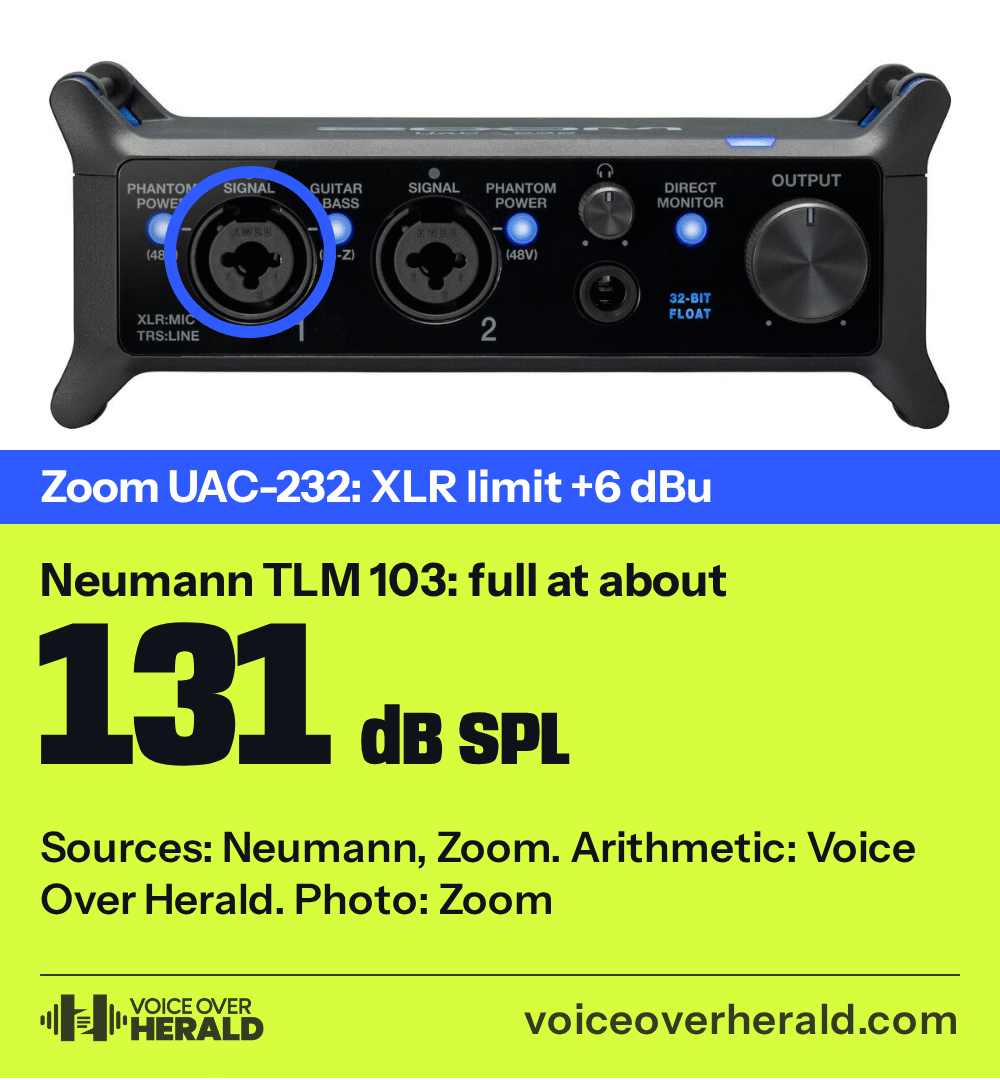
The microphone has a limit too. RØDE rates its NT1 at 142 dB, and says going past it “can produce genuine distortion that cannot be corrected in post production, even when recording in 32 bit float mode.”
The software has to agree
This is where most people will trip. The hardware can send 32-bit float all day, but your recording program has to ask for it. Inglis warns that the lit “32-bit float” sign on the Zoom “can be misleading”: on a Mac it shows that the system driver is in float and “tells you nothing about whether your DAW is or can.”
RØDE’s user guide names names. “Not all DAWs support 32-bit float recording, such as GarageBand, and some DAWs don’t support ASIO drivers at all, such as Audacity.” On Windows, the NT1 needs RØDE’s own ASIO driver for float, so Audacity on a PC is out, while RØDE does publish a float walkthrough for Audacity on a Mac. Zoom says its box works in 24-bit with iOS devices.
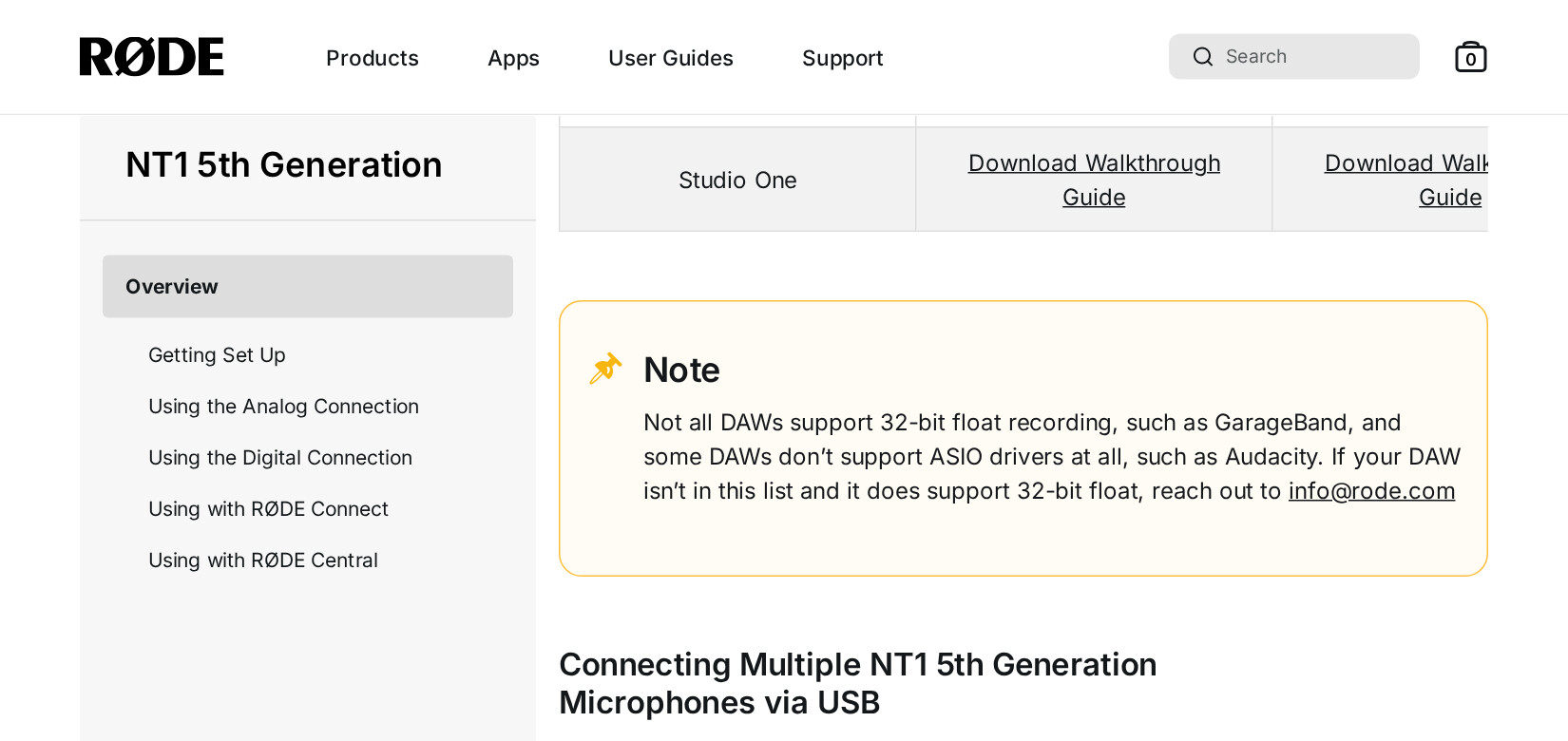
The note in RØDE's NT1 user guide. Screenshot: RØDE, 25 November 2026
Don’t panic if it sounds wrong while you’re recording, either. You may hear clipping in your headphones on a float take, and RØDE says that “in most cases, this only affects the monitoring signal and not the recorded audio.”
Which one do you need?
Start with the reads you actually get hired for. A cure for screaming is wasted on a year of compliance modules.
- Steady narration and e-learning. Nothing new to buy. Use 24 bit, set peaks around -12 dB on your loudest line, and leave the knob alone.
- You engineer alone and levels drift. Auto Gain or Smartgain, run on the biggest line in the script.
- Games, animation, live directed sessions. Clip Safe, or a float interface, because the director may ask for more at any second.
- You want float. Check your recording program and operating system first, then the box.
Whatever you buy, the file you send won’t be 32-bit float unless a client asks. ACX, for one, wants a 192 kbps or higher MP3 with peaks no higher than -3 dB, so a float take has to be turned down before you export it. Skip that step and you can clip the delivery after saving the recording.
 VoiceEditSuiteNewThe audio editor that learns how you breathe.Learns from numbers, never your audio. Never used to train AI.See how it works
Then there’s the test that costs nothing. Open tomorrow’s script, find the loudest word in it, and perform that word at full size before you record a thing. If the meter stays out of the red, you already own the cure.
Sources: Focusrite, Scarlett 2i2 4th Gen user guide and product page; Audient, EVO 4 product page; Zoom, UAC-232 product page and specifications; RØDE, NT1 5th Generation product page, user guide and help center; Sound Devices, “32-Bit Float Files Explained”; Sound On Sound reviews of the Scarlett 4th Gen and Zoom UAC-232; Production Expert, “How Safe Is Focusrite Clip Safe?”; Voice One, two articles by Jim Edgar; Neumann, TLM 103 product page; ACX audio submission requirements. The 131 dB SPL figure is Voice Over Herald’s calculation from the Neumann and Zoom specifications. Product images: Focusrite, Audient, Zoom. Screenshot: RØDE, 25 November 2026.
Lee este artículo en español: Arruinada por un grito: lo que de verdad rescatan Auto Gain, Clip Safe y los 32 bits flotantes
Know something about this story, or spotted an error? Tell the newsroom.