





Save It for a Client: How Working Voice Actors Find the People Who Hire Them on LinkedIn
The people who hire voices for training videos, ads and explainers are mostly on LinkedIn, with their job title right there on the page. Voice actors who book work there say the secret isn’t posting more. It’s a finished profile, a demo people can actually play, and messages written for one person at a time.
Ask a room of voice actors where their best clients came from and you’ll hear about referrals, agents and the odd lucky audition. Ask Tracy Lindley and LinkedIn comes up fast. The full-time voice actor has spent years using the free version of the site to reach producers directly, and now teaches other voice actors how she does it.
She isn’t the only fan. “LinkedIn is just one of the best resources for getting work that I can think of,” Anne Ganguzza said when Lindley joined her on the VO BOSS podcast in April 2023. Ganguzza pictured the moment every voice actor wants: “And I imagine people on LinkedIn searching for voiceover talent, like you want them to reach your profile.”
So what do those people find when they get there? Start with how Lindley presents her own voice online: not as a sound file, but as a short video.
Hear the voice: Tracy Lindley’s commercial demo, posted as a video, the format she recommends for LinkedIn. Video: Tracy Lindley Voiceovers, on YouTube
LinkedIn won’t play your MP3, so make it a video
This is where plenty of voice actors trip up. LinkedIn’s own help page on media you can upload to your profile lists PDF files, PowerPoint and Word documents, and JPG, PNG and GIF images. There isn’t a single audio format on the list.
“And you can’t really do an MP3 on LinkedIn. You have to do some sort of video,” Lindley told Ganguzza. She isn’t keen on the workaround a lot of people reach for, either. “So sometimes people do SoundCloud, but I don’t find that very effective ’cause it’s just a static picture.” Her answer is to have the demo turned into a video and to put it on the profile itself: “You should put it right there on LinkedIn.”
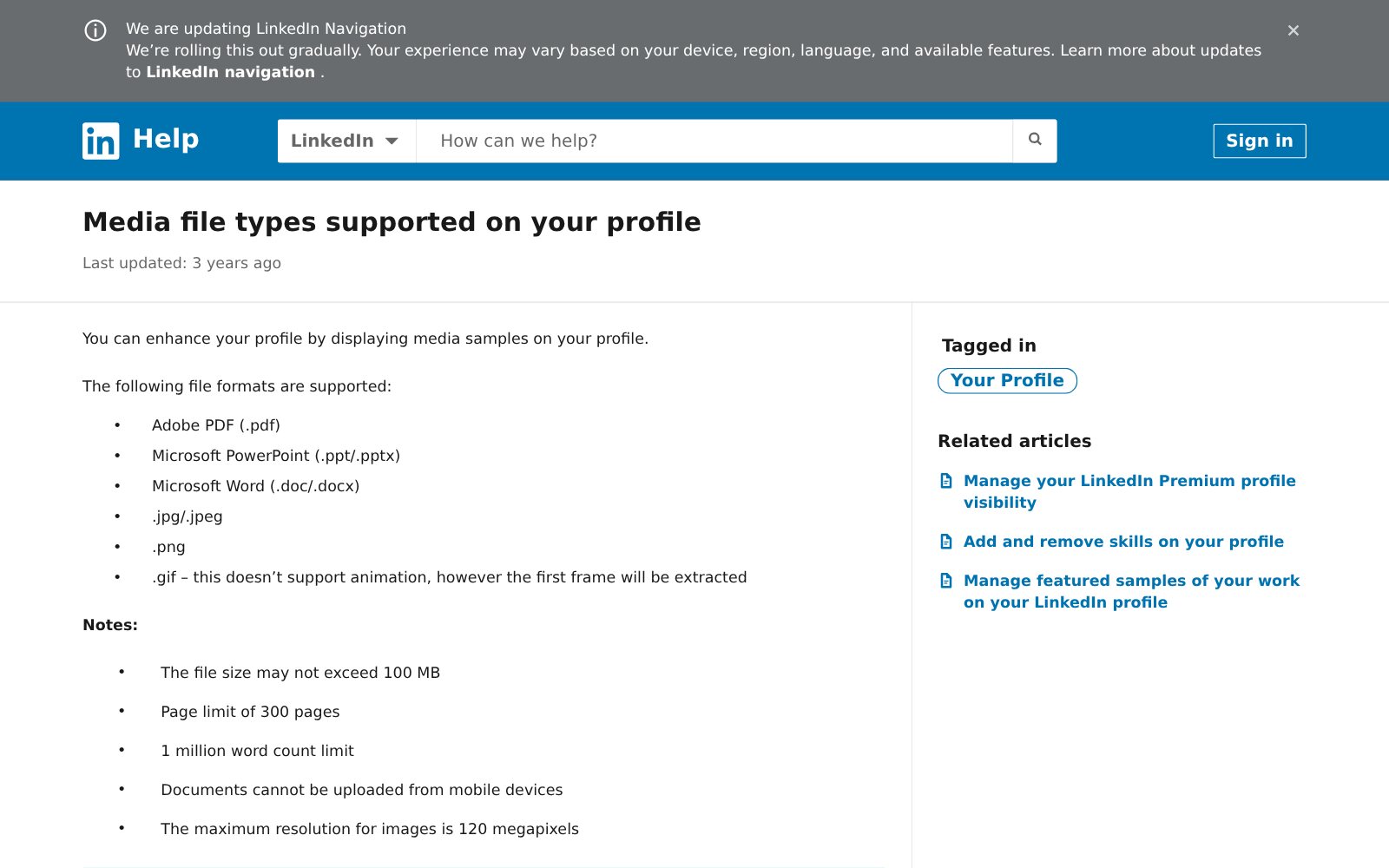
LinkedIn's list of file types a profile accepts: documents and images, no audio. Screenshot taken 28 November 2026. Image: LinkedIn Help
The place for it is the Featured section, which sits near the top of your profile. According to LinkedIn, Featured can hold posts and articles you’ve published on the site, “Links to external websites, for example your personal blog or portfolio,” and uploaded media such as images, documents, presentations and videos. In a guide she wrote for the site builder Voice Actor Websites, Lindley adds a small detail that helps the right person click the right clip: “when adding links to your work in the Featured section, make sure to include the voiceover genre in the title.”
That Featured slot matters more than it used to. LinkedIn says it has “removed the option to add a hyperlink to your profile, which was previously supported through Creator Mode,” and a website button at the top of a profile now comes with some paid plans. On a free account, Featured is where your website link lives.
Finish the profile before you knock on a single door
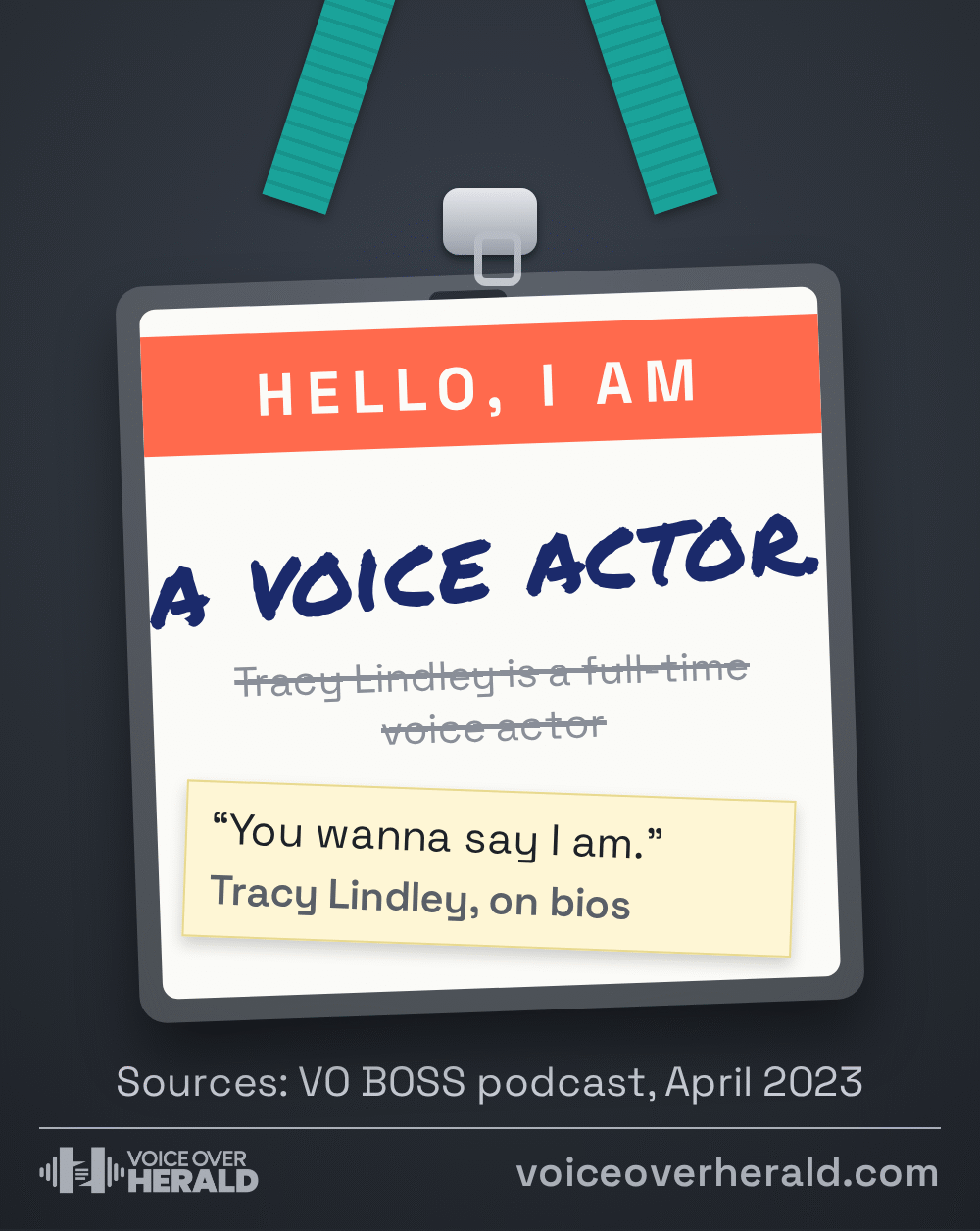
Lindley is firm about the order of things. “Do not start reaching out to people if you haven’t completely shined up your profile and made it the best it can be.”
That means a clear, friendly photo, a headline that says what you do, and an About section a busy producer can scan in a few seconds. Gary Fox, writing about social media for the UK voiceover training company Gravy for the Brain, made the keyword point plainly: “So optimise for voiceover, voice acting.” Lindley’s tip for the About section is all about the reader’s time: “Don’t forget to use white space and bullet points to save time when reading through your About section.”
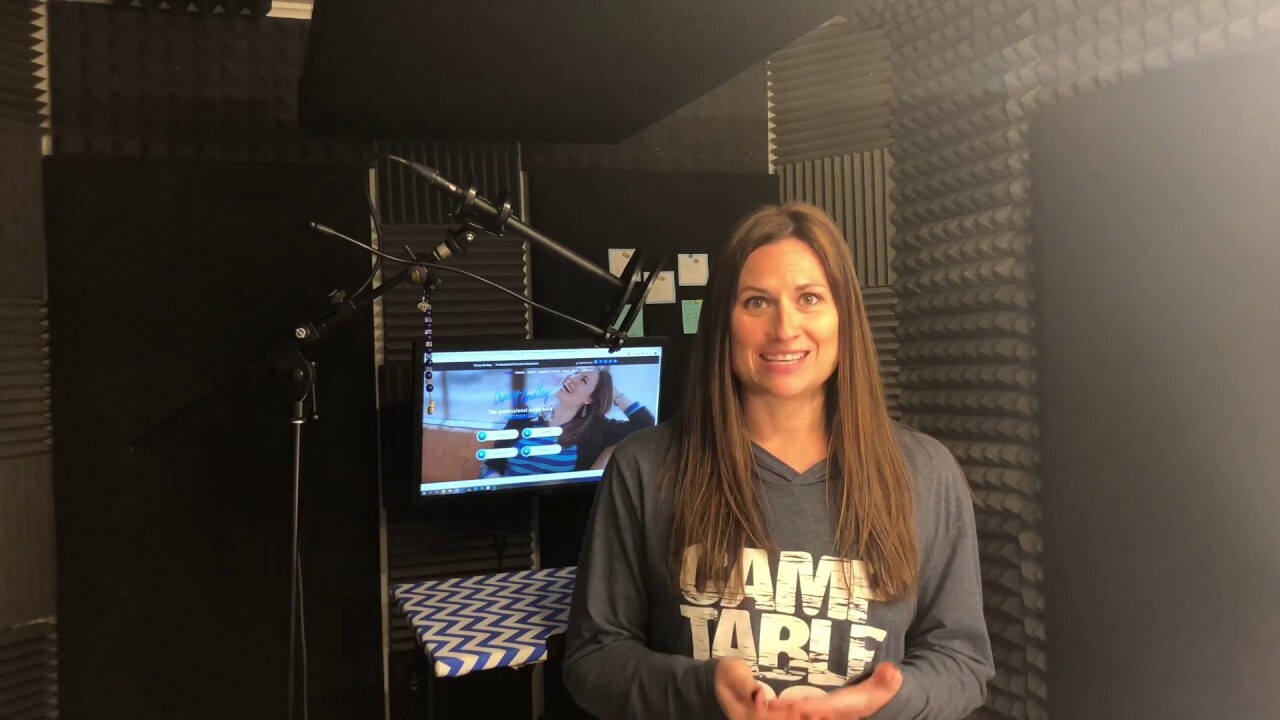
Tracy Lindley in her home booth, from the studio tour on her own YouTube channel. Image: Tracy Lindley Voiceovers
There’s one small feature a voice actor gets more out of than almost anyone else. Since 2020, LinkedIn has let members “create a recording of your name pronunciation, which will then be clickable on your profile.” For most people it’s a courtesy. For you, it’s a few seconds of your real voice sitting right beside your name, and anyone who visits can press play.
Search for the job title, not the company
Once the profile is ready, the searching starts. “The two most common ways to find great clients are to search by job title or by company name,” Lindley writes. Start close to home: “Try a simple search for video producers in your city or metro area, and you’ll get great results!”

 VoiceEditSuiteLoudness NormalizerHit the broadcast spec first time.ACX, EBU R128, Spotify and podcast presets.See how it works
Paul Schmidt, who runs the VO Pro coaching business and podcast, describes the people you’re looking for as “advertisers, producers, content creators, and agencies who need your voice.” Every one of those is a job title you can type into the search bar. Lindley also has a fix for free accounts that keep running the same searches: “what I’ve taught people is that you can put your searches in and then bookmark it.”
Before you send anything, look at the person’s contact details. In a 2018 piece for the voiceover training company Such a Voice, Lindley pointed out that “many people list phone numbers, email addresses, and URLs in plain sight”. A LinkedIn message isn’t always the best way in.
The personalized invite is rationed now, so spend it well
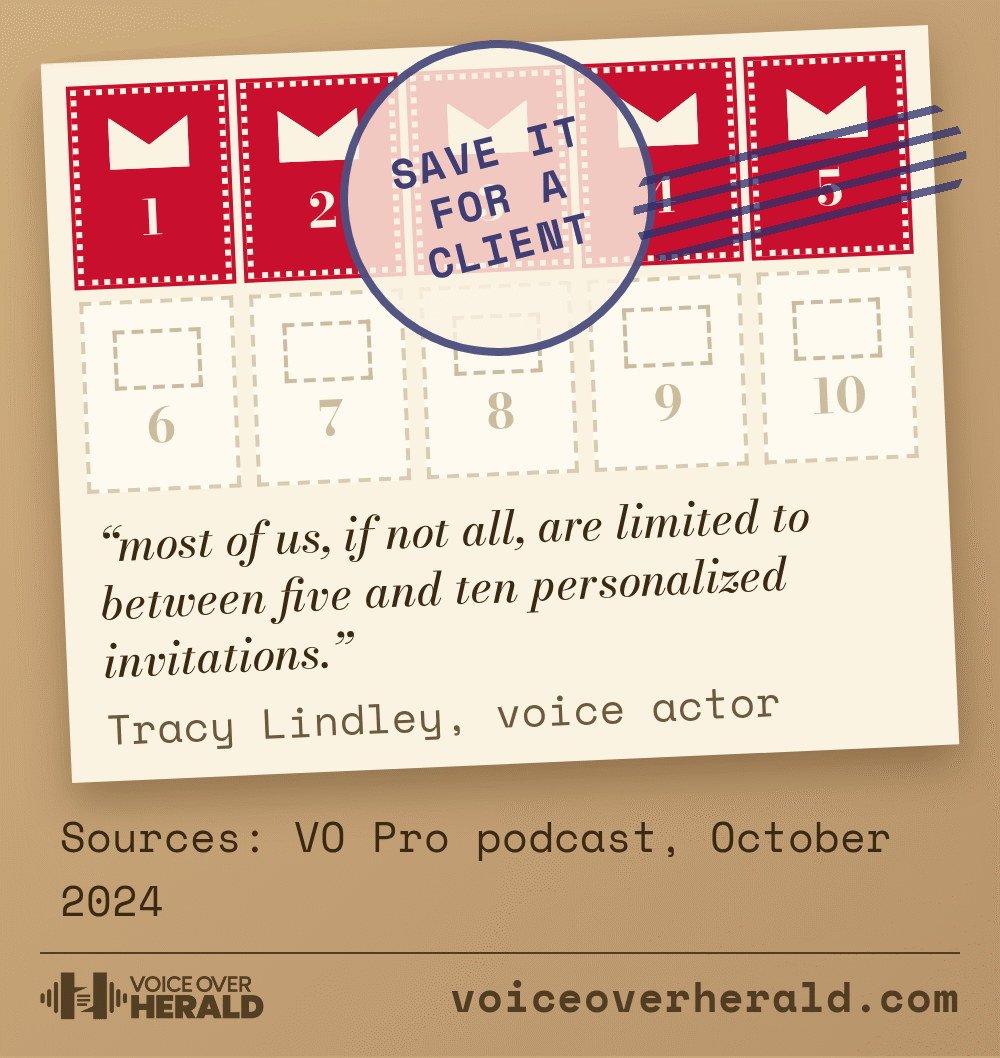
The part of Lindley’s method that’s changed most is the connection request with a note attached. She used those notes to grow her business, and she isn’t happy that LinkedIn now limits them. “I think LinkedIn’s made it more difficult,” she said on Schmidt’s VO Pro podcast in October 2024. She thinks the change made things worse, not better: “But I don’t like the way that LinkedIn took that away because I feel that it’s more spammy.”
When you do write one, make it about them. “Never send a generic connection request. Always personalize it to include the person’s name,” Lindley writes, and “Keep your communication more tailored to what’s in it for them, not what you want from them.” Fox was blunter back in 2017: “The default message LinkedIn provides is so dreadfully boring and impersonal.”
You don’t have to start from a blank page every time. Lindley says she’s “pro templates within reason”, as long as you “personalize like the first sentence and always say that person’s correctly spelled name.” For that first sentence, she says, “My biggest tip is to look for anything that you can use to find common ground.” A shared city, a school, a project of theirs you liked, a post they wrote last week. Anything that proves a person wrote it.
Five a day, and keep the videos short
Lindley’s own pace, when she was building her business, was steep. “My goal was 20 people per day, new people that I would reach out to,” she told VO BOSS. On VO Pro she said she did a lot of it while her children slept: “I would reach out to probably 20 people on LinkedIn during nap time.” She doesn’t expect that of everyone, though. “So, but five, anybody can do five.”
Posting keeps you in people’s feeds between messages. Lindley keeps her own videos tight: “when I post videos, I try to keep ’em less than two minutes, 90 seconds if I can.” And the quiet work counts too. “When you spend time liking and commenting on LinkedIn, it holds more value,” she wrote for Such a Voice.
Schmidt makes the case for something longer. He calls LinkedIn’s own articles “a strong, low-competition way to position yourself as an expert in the voiceover industry”, and says you don’t need many: “Quality over quantity. Even one well-written article a month can make a difference.”
- Make a demo video. Put your strongest demo in Featured, with the genre in its title.
- Record your name. It’s your voice, right beside your name, one tap away.
- Move your website. On a free account it goes in Featured as a link.
- Bookmark one search. One job title, one city, ready every morning.
- Send five. A personal first sentence, their name spelled right, nothing about you in line one.
You don’t have to pay for any of it
Lindley is clear on the money question. “And I’ve never paid for premium. I’ve always done free,” she told Schmidt, and in her guide she writes that “the free version is all that most of us need.” Paid plans add extras such as that website button, but the profile, the searching, the invites and the posting described here all work on a free account.
LinkedIn also offers Service Pages, which it calls “free dedicated landing pages that showcase your services and businesses.” On a free account, that shows up as a Services section on your profile listing what you offer, which for a voice actor might be e-learning narration, commercials, explainer videos or the languages you record in.
And keep it all in proportion. For all her reputation as the LinkedIn voice actor, Lindley told Schmidt that “the biggest way that I’ve grown my business is personal networking in person.” LinkedIn is where a lot of that networking starts now. One well-chosen name at a time.
Sources: Anne Ganguzza and Tracy Lindley, “LinkedIn with Tracy Lindley” (VO BOSS podcast, 25 April 2023); Paul Schmidt and Tracy Lindley, “Tracy Lindley, Queen of LinkedIn, on VO, Marketing, and Kids” (VO Pro podcast, 17 October 2024); Tracy Lindley, “Linkedin for Voiceover to Grow Your Business” (Voice Actor Websites); Tracy Lindley, “Marketing Your Voice-Over Business: 5 Reasons Why LinkedIn Is Good to Use” (Such a Voice, 31 May 2018); Paul Schmidt, “Write LinkedIn Articles That ATTRACT Voiceover Clients” (VO Pro, 1 August 2025); Gary Fox, “Social Media for Voiceovers” (Gravy for the Brain, 28 February 2017); LinkedIn Help, “Media file types supported on your profile”, “Manage featured samples of your work on your LinkedIn profile”, “Adding website link to profile available through Premium Business plan” and “LinkedIn Service Pages FAQs”; LinkedIn, “New tool helps LinkedIn members pronounce names correctly” (6 July 2020). Images: Tracy Lindley Voiceovers, LinkedIn Help.
Lee este artículo en español: Guárdala para un cliente: cómo encuentran en LinkedIn los actores de voz a quienes los contratan
Know something about this story, or spotted an error? Tell the newsroom.